

MY SIGNATURE PRESET COLLECTION
This collection reflects the color palette I use throughout my work. I’m drawn to warm tones, defined light, and green-and-orange nuances in the shadows and highlights. I developed these presets while editing weddings, love stories, portraits, and personal projects. They are the versatile tools I return to again and again—and I’m finally ready to share them with you. The collection includes 13 presets: 10 color and 3 black-and-white.
IMPORTANT INFORMATION
By purchasing this digital product, you agree to the following terms:
• The presets are digital files supplied in.XMP and.DNG formats.
• Download access is p ovided automatically after payment.
• Digital purchases are non-refundable because the files become available immediately after payment.
• The presets are designed for Adobe Lightroom Classic, Desktop, and Mobile.
• Final results depend on t e source image, lighting, camera settings, and your individual adjustments.
• The presets will not create an i identical result on ery photograph and may require minor fine-tuning.
• Sharing, reselling, distributing, or p publishing the files for third parties is ohibited.
Your purchase grants a p rsonal-use license for your own photographic work. Copyright remains with the creator.
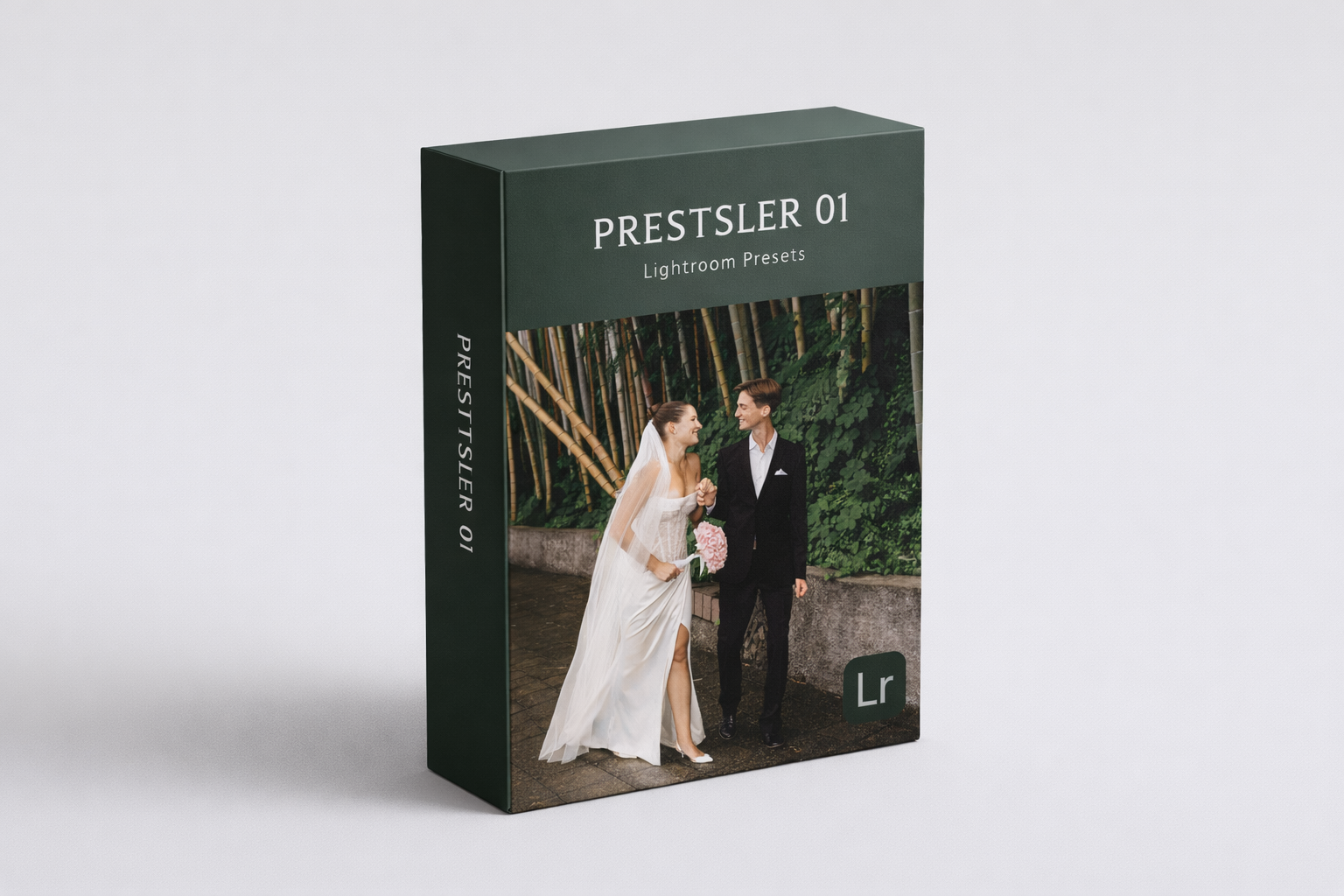
SEE THE PRESETS BEFORE & AFTER
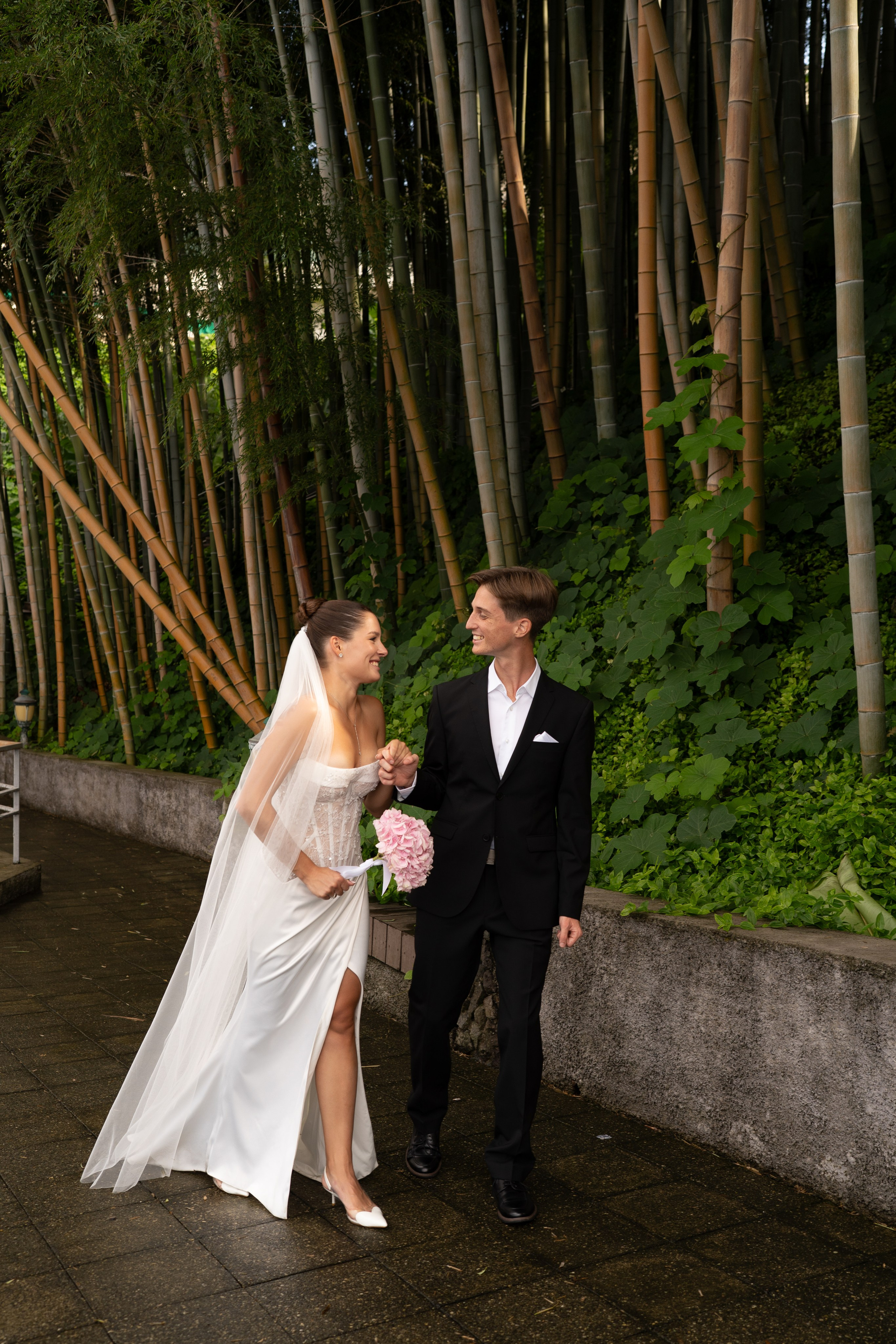
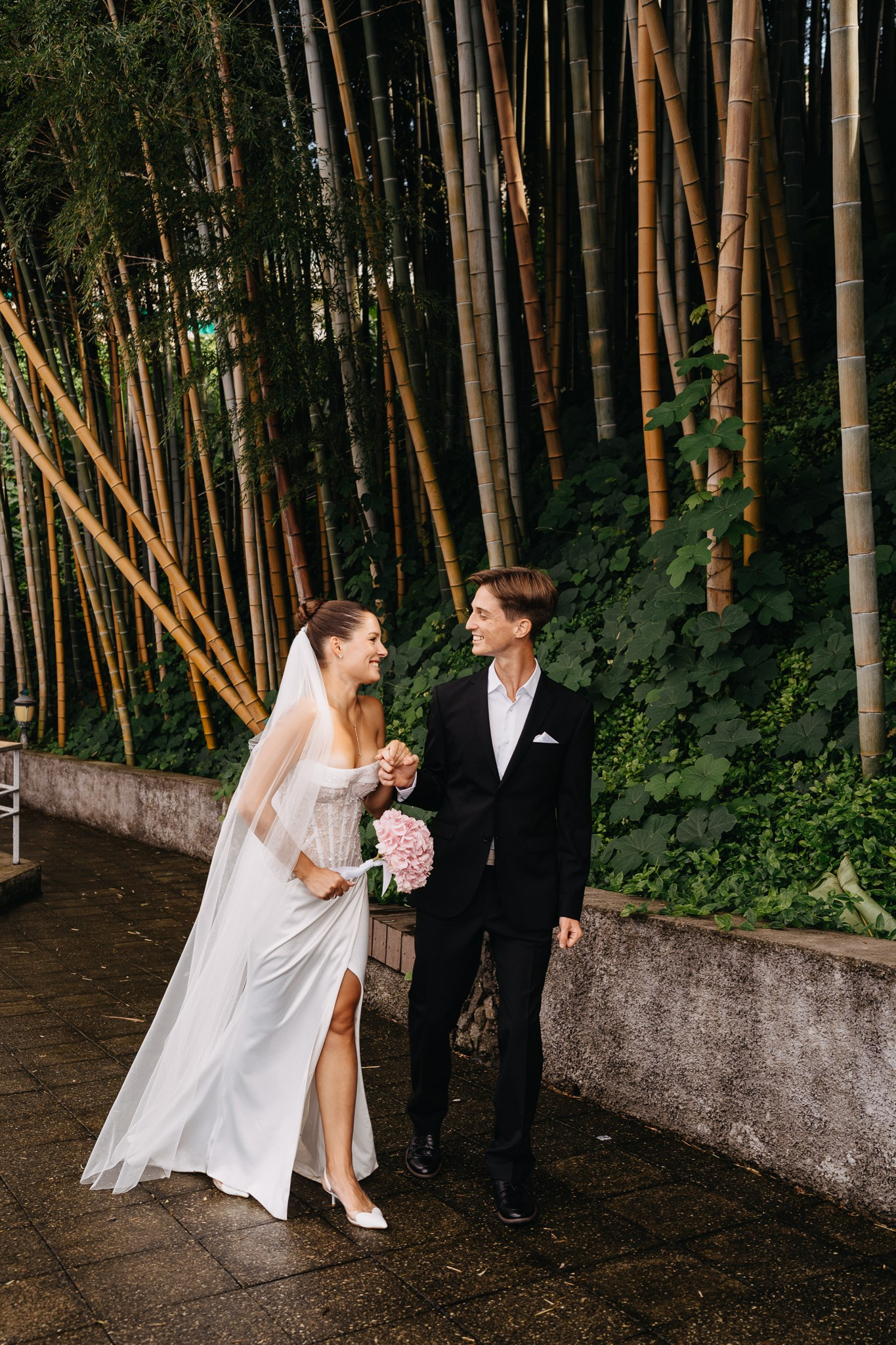
SET NO. 1
1COLV1_Base
Sony Alpha a7 III · 35 mm · f/3.2 · 1/400 s · ISO 200. Color profile: warm tones with subtle grain. Compatible with Lightroom and Photoshop.


SET NO. 2
1COLV2_warm
Color profile: bright, rich tones. Ideal for outdoor photographs, landscapes, and golden-hour light. Compatible with Lightroom and Photoshop.
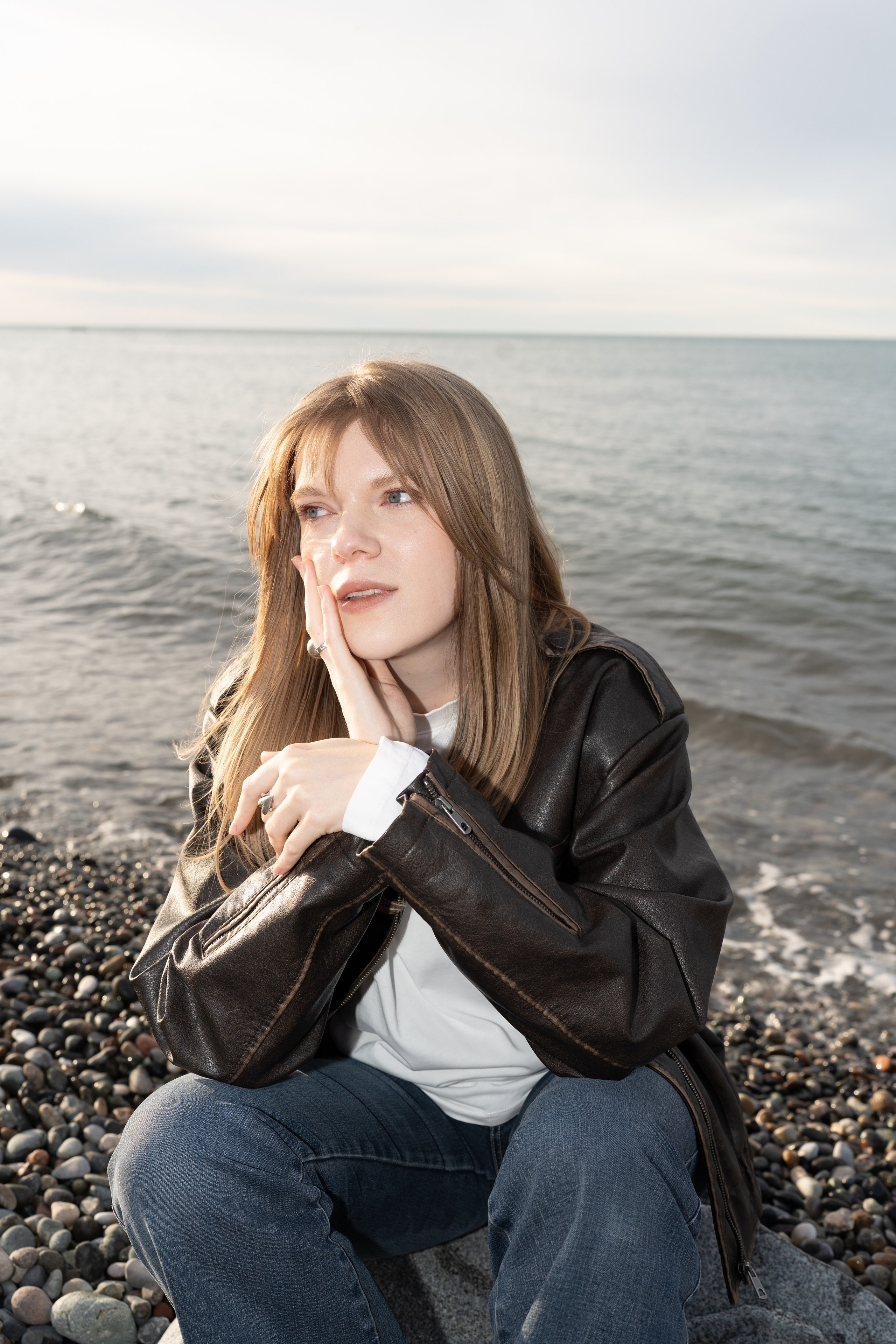
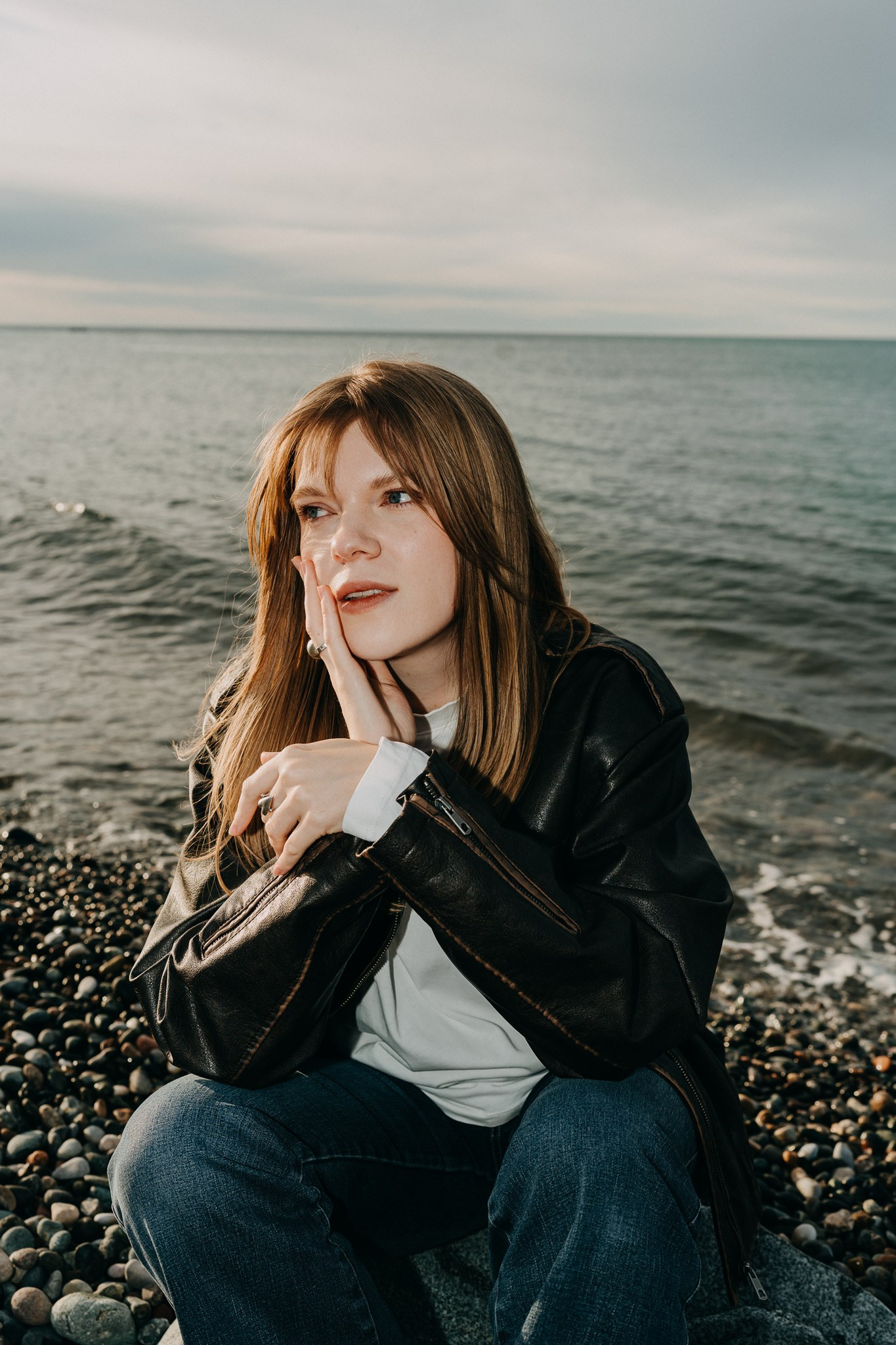
SET NO. 3
6FLV2
Color profile: soft light and defined contrast, designed for direct daytime flash. Works beautifully for portraits and is compatible with Lightroom and Photoshop.
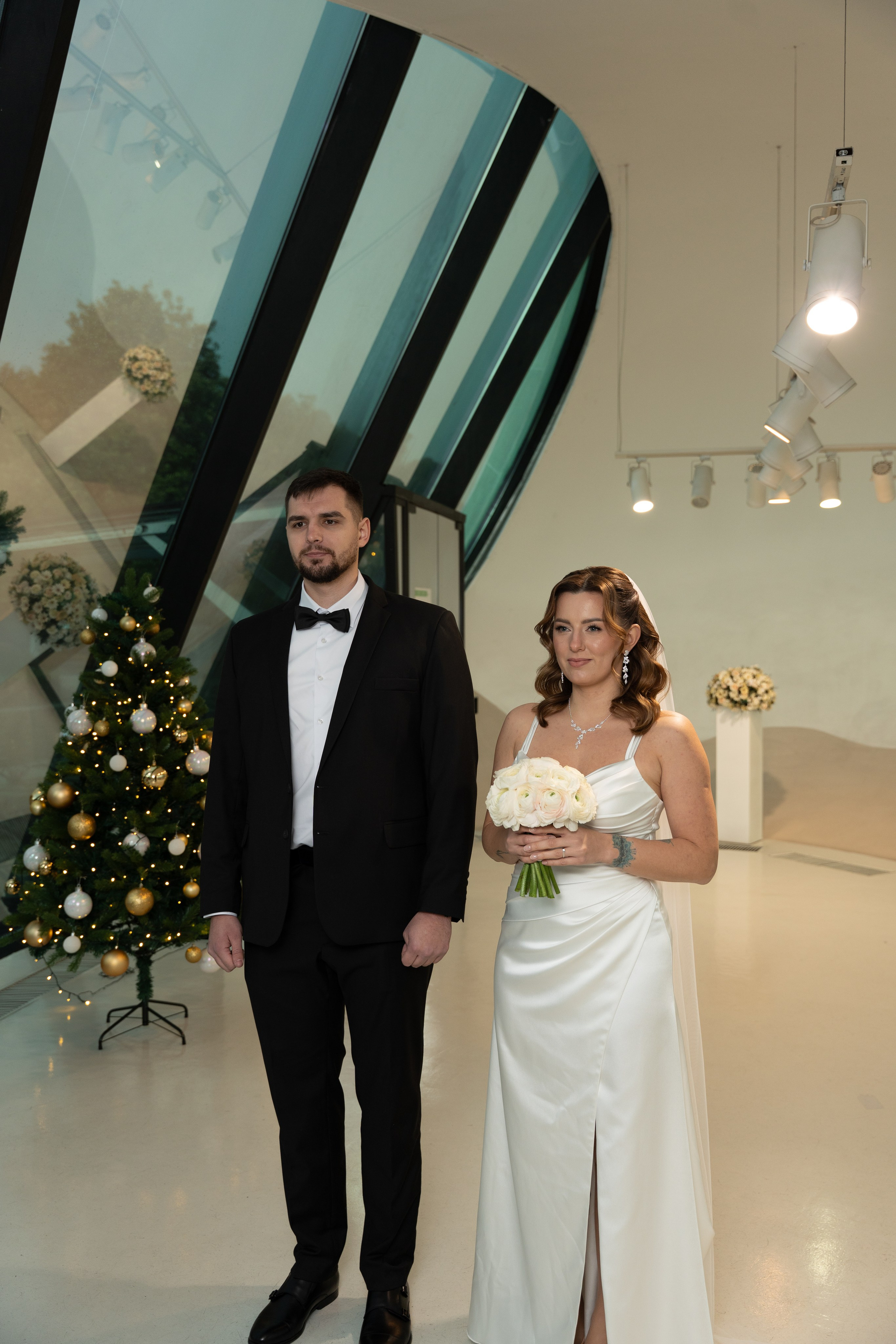
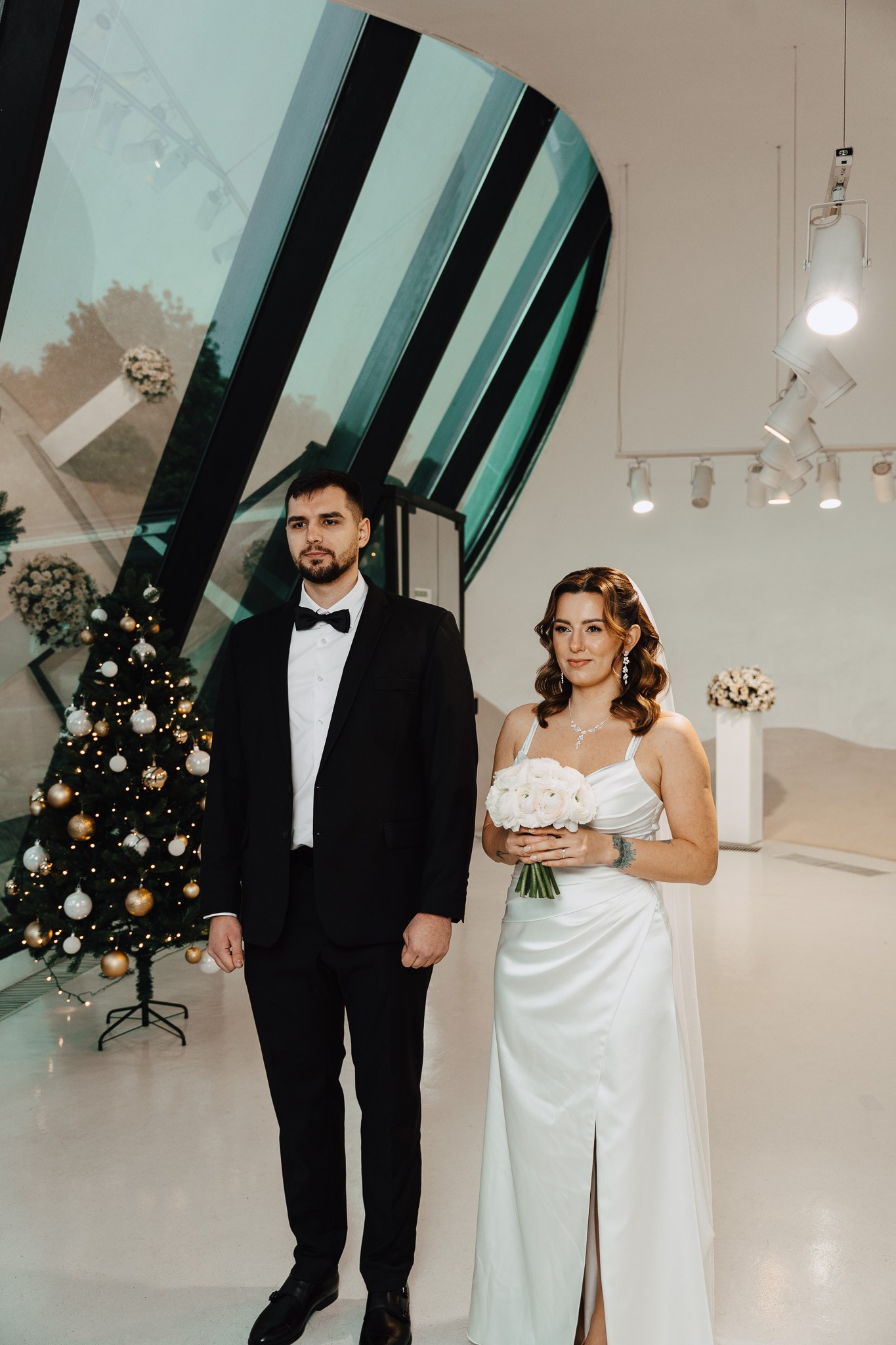
SET NO. 3
7FLV1
Color profile: defined contrast and soft skin tones, designed for bounced flash from a ceiling or another reflective surface. Ideal for portraits and compatible with Lightroom and Photoshop.
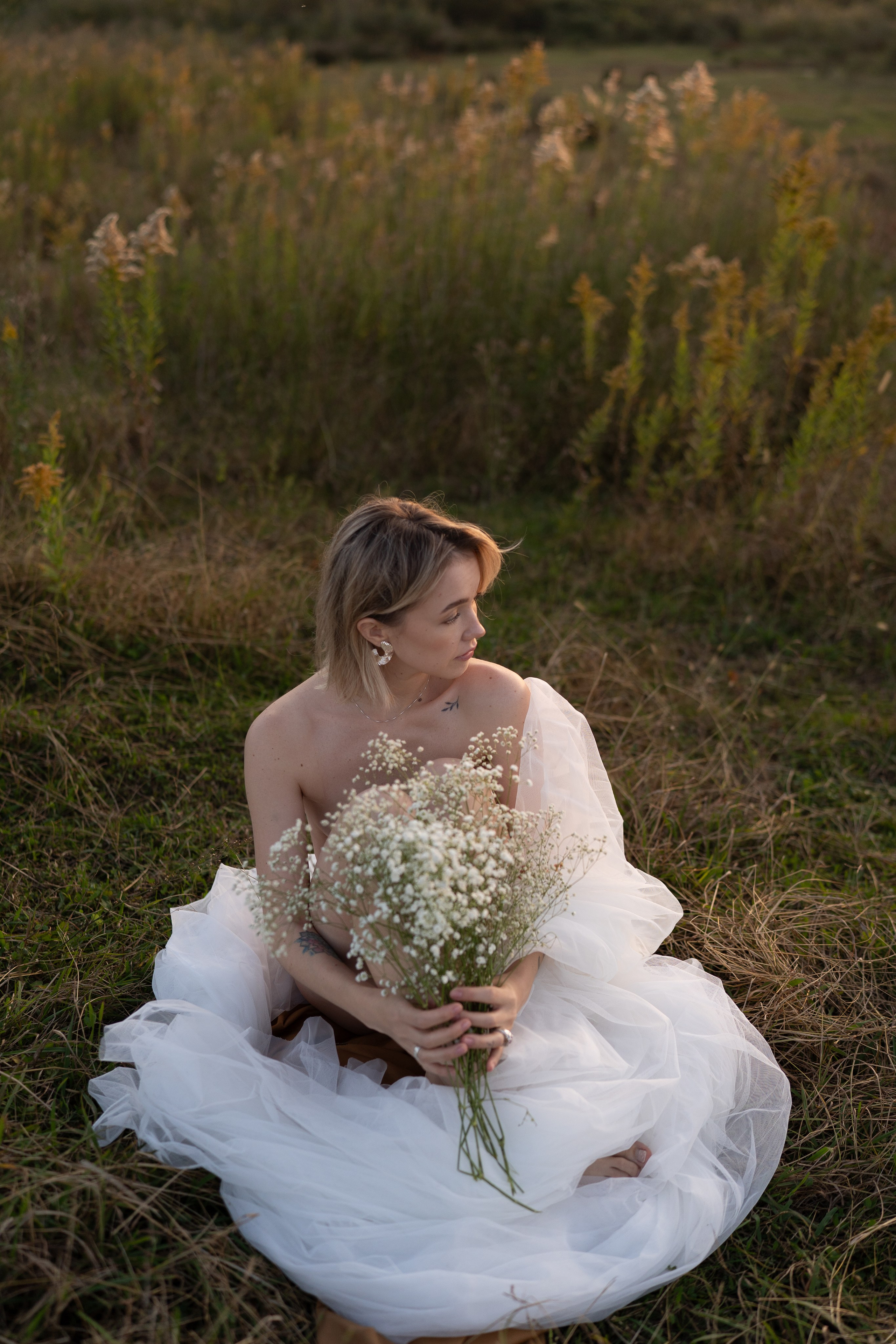
SET NO. 3
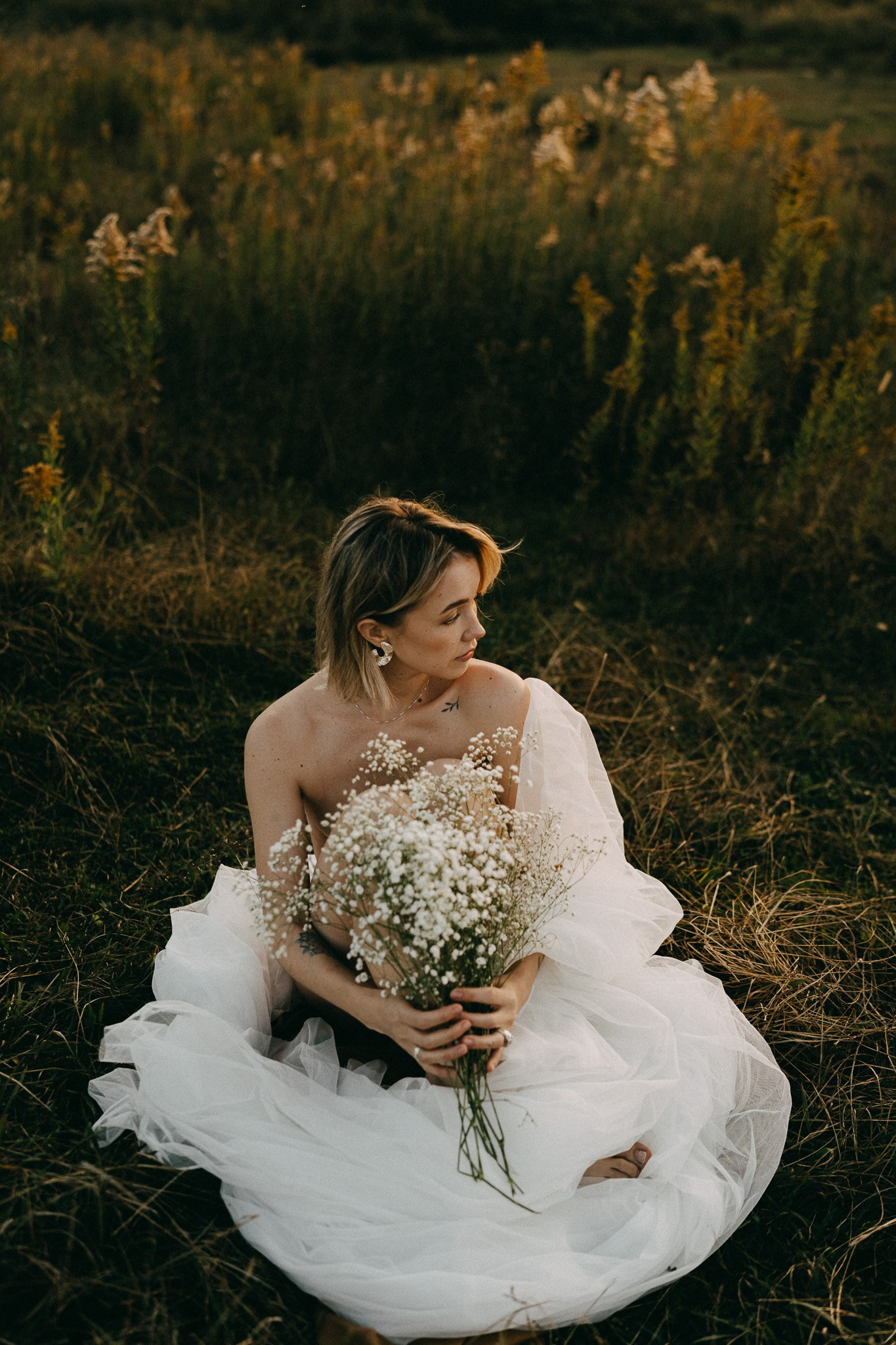
4FV1
Color profile: green shadows and warm yellow highlights for a cinematic color palette.
SET NO. 3
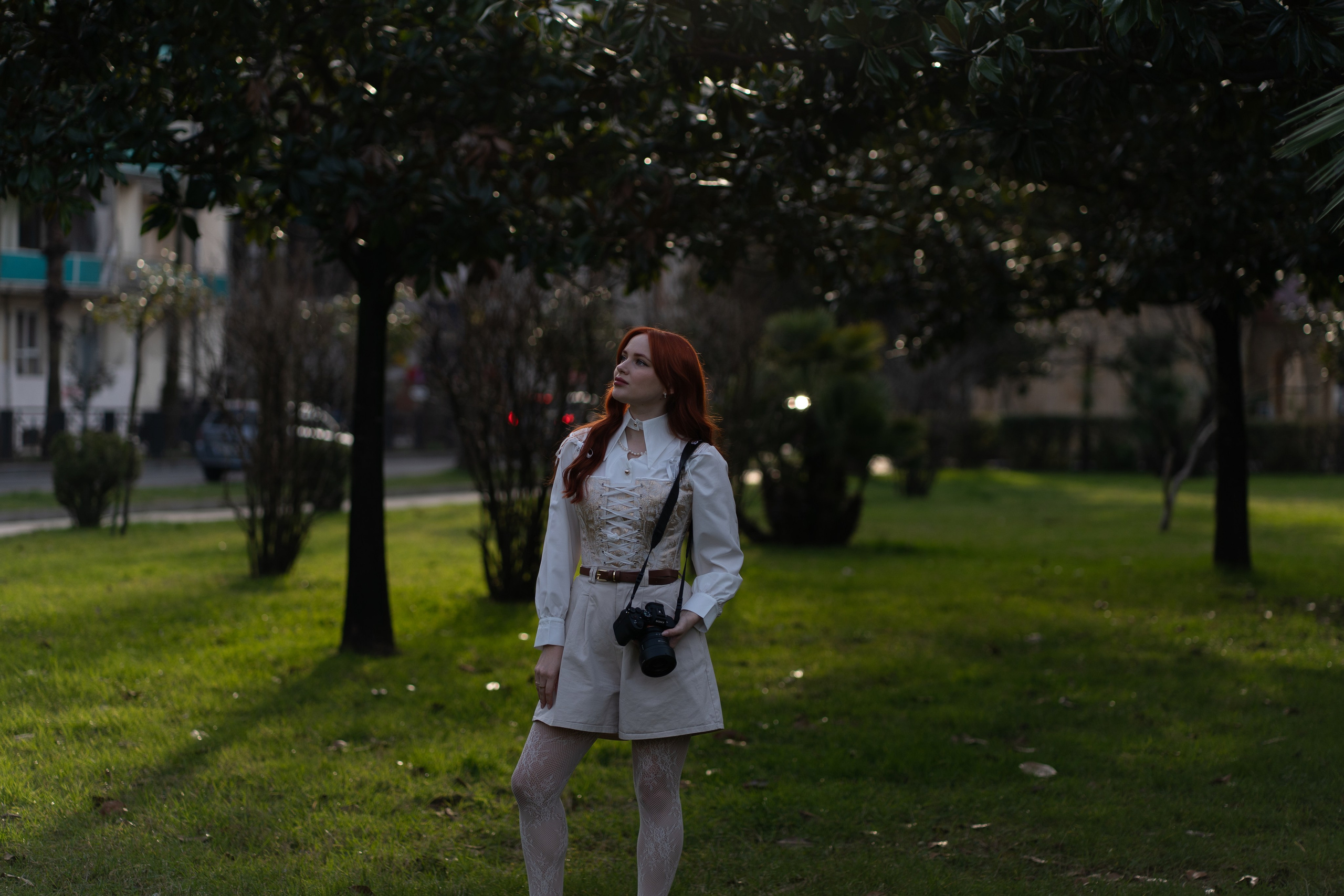
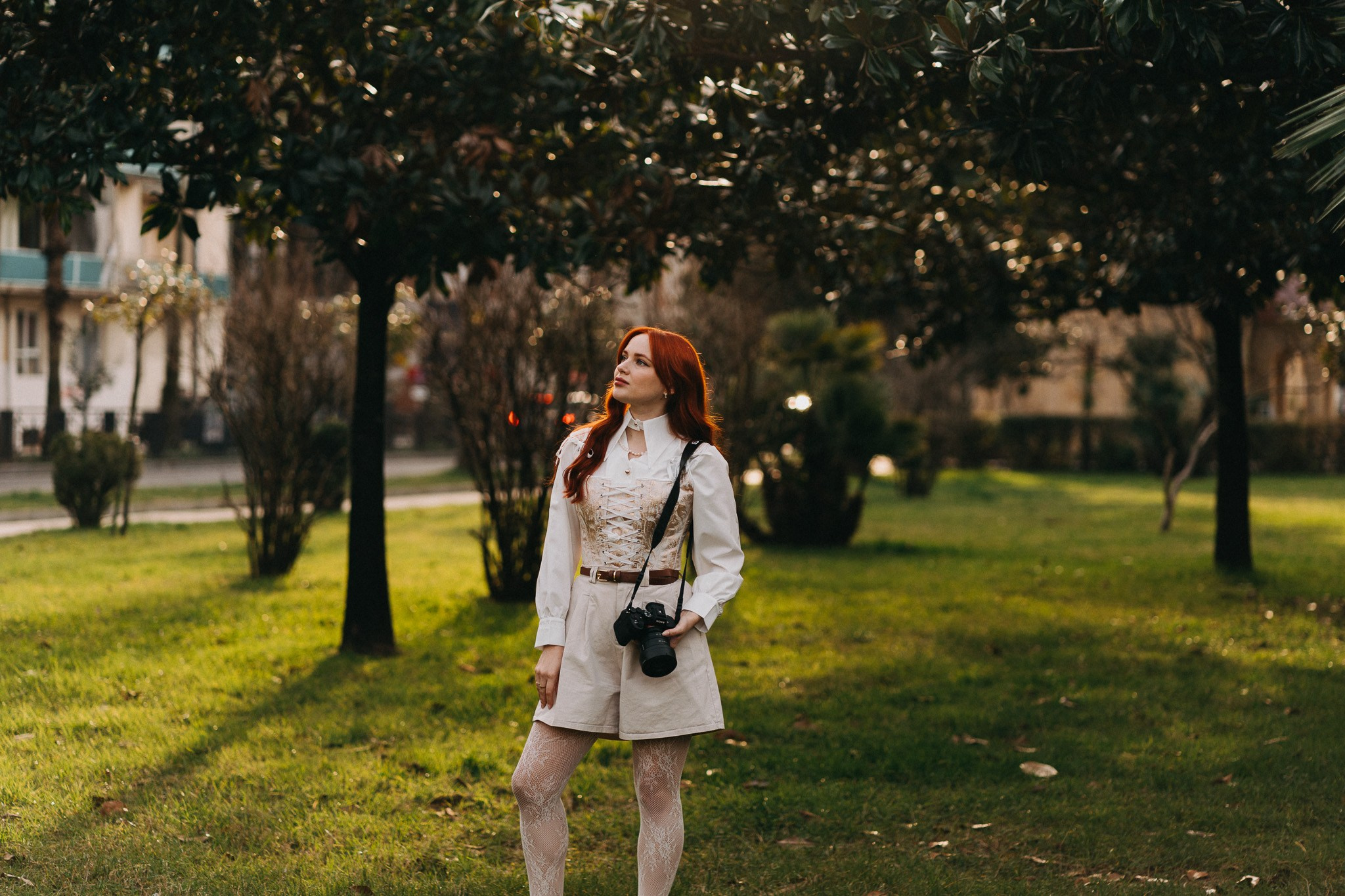
2COLV1_warm
Color profile: a warm, versatile look—my second favorite everyday base preset.
F A Q
YOUR QUESTIONS, ANSWERED
Everything you need to know about purchasing, installing, and using the presets.
HOW DO I BUY THE PRESETS?
The presets are hosted on Boosty. To download them:
1. Open the Boosty link.
2. Make a one-time payment of 3000 RUB / $40 / 110 GEL and select the appropriate currency on the site.
3. After payment, download the files in two formats: XMP for Lightroom on desktop and DNG for Lightroom Mobile.
This is a one-time purchase; no subscription is required.
HOW DO I INSTALL DNG PRESETS IN LIGHTROOM MOBILE?
- Download the.DNG files to your phone.
- Open Lightroom Mobile.
- Import a DNG file as a egular photograph.
- Open it and tap the three dots in he upper-right corner.
- Select “Create Preset.”
- Name it and save it to our chosen preset group.
HOW CAN I ADAPT THE PRESETS TO MY PHOTOS?
A preset is a starting point, not the final edit. For the best result:
• Balance the exposure first.
• Correct the white balance.
• Adjust contrast or saturation slightly if needed.
• Fine-tune skin tones for the specific light.
Lighting, camera profiles, and shooting conditions always vary, so small manual adjustments are completely normal. A preset speeds up the workflow but does not replace individual fine-tuning.
WHY DOES A PRESET LOOK DIFFERENT ON MY PHOTO?
Common reasons include:
- Incorrect exposure—the photograph is too dark or overexposed;
- A very different white balance;
- Mixed lighting;
- Differences in camera profiles or color rendering.
My presets are designed for properly exposed RAW files. Results on JPEG photographs may be less predictable. If the original image differs significantly in light or color temperature, the result will also vary, and your Lightroom knowledge will affect the final edit.
Remember: a preset cannot correct mistakes made during the shoot; it works with the light already present in the image.